

Overview
When we talk about playing PUBG on low end phones, it generally said that PUGB is not for slow phones but If you’re playing PUBG Mobile on a budget smartphone in Pakistan, you already know the struggle—lag spikes, frame drops, overheating, and poor performance can ruin your gameplay.
The good news is that you are exactly where you need to be, here in this guide we shall explore the best settings and optimizations for low end phones? You don’t need an expensive phone to enjoy PUBG smoothly. With the right settings and optimizations, even a 2GB or 3GB RAM device can deliver a decent gaming experience.
In this guide, we’ll break down the best PUBG settings for low-end phones in Pakistan, along with pro tips to reduce lag, boost FPS, and improve your aim.
LOVE PUBG, explore our guide on best gaming phones under 50000 in Pakistan 2026.
Why PUBG Lags on Low-End Phones?
Before jumping into settings, it’s important to understand why your phone struggles:
- Limited RAM (2GB–4GB)
- Weak processor (entry-level chipsets)
- Background apps consuming memory
- Poor internet connection
- High graphics settings
👉 The solution is simple: optimize your game for performance, not visuals.
Best PUBG Graphics Settings (Low-End Devices)
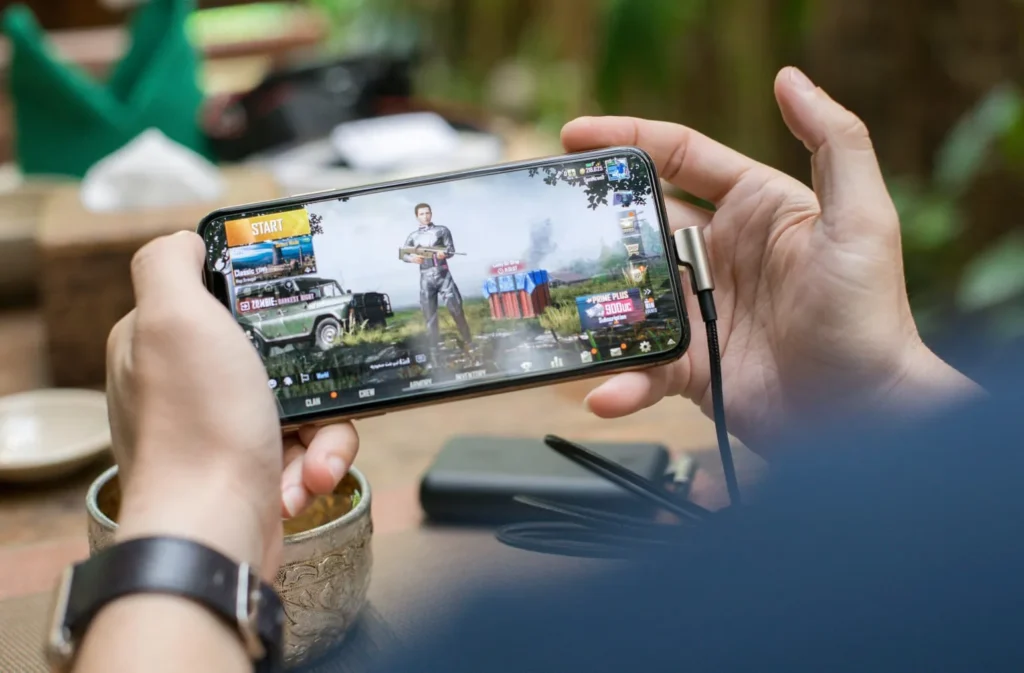
Go to Settings → Graphics and apply these:
| Setting | Recommended Option |
| Graphics | Smooth ✅ |
| Frame Rate | Medium / High ✅ |
| Style | Classic / Colorful |
| Anti-Aliasing | Off ❌ |
| Shadows | Off ❌ |
| Auto-adjust | Off ❌ |
Why These Settings Work
- Smooth graphics reduce load on GPU
- Higher FPS improves reaction time
- Turning off shadows & anti-aliasing boosts performance
👉 This combination gives the best balance of smoothness and stability.
Best FPS Settings Explained
FPS (Frames Per Second) is more important than graphics quality.
| FPS Option | Performance Impact |
| Low | Very laggy ❌ |
| Medium | Stable ✅ |
| High | Best if supported 🚀 |
👉 Always choose the highest FPS your phone can handle without lag.
Best Sensitivity Settings (No Recoil Setup)
Getting the right sensitivity is crucial for better aim and recoil control.
Camera Sensitivity
| Scope Type | Sensitivity |
| TPP No Scope | 120% |
| FPP No Scope | 100% |
| Red Dot | 50% |
| 2x Scope | 45% |
| 3x Scope | 30% |
| 4x Scope | 20% |
ADS Sensitivity
| Scope Type | Sensitivity |
| Red Dot | 35% |
| 2x Scope | 30% |
| 3x Scope | 25% |
| 4x Scope | 15% |
Gyroscope Settings (Optional)
If your phone supports gyroscope:
| Scope | Sensitivity |
| No Scope | 300% |
| Red Dot | 250% |
| 3x Scope | 180% |
👉 Gyroscope helps reduce recoil and improves accuracy, especially in close fights.
Best Network Settings for Pakistan
Your internet connection plays a huge role in PUBG performance.
✅ Recommended Setup:
- Use stable WiFi or 4G
- Prefer networks like:
- Jazz
- Zong
- PTCL Flash Fiber
❌ Avoid:
- Background downloads
- Weak signals
- Playing during peak hours
👉 Lower ping = smoother gameplay.
Phone Optimization Tips (Must Follow)
Even with perfect settings, your phone needs optimization.
🚀 Before Playing PUBG:
- Close all background apps
- Clear cache (Settings → Storage)
- Keep 5GB+ free storage
- Turn on Game Booster / Game Mode
- Reduce screen brightness
- Remove phone cover (avoid heating)
Extra Performance Hacks
These small tweaks can make a big difference:
- Restart your phone before gaming
- Use Lite version if your phone is very weak
- Lower in-game voice chat quality
- Disable unnecessary notifications
- Keep your phone updated
Best Maps for Low-End Devices
Not all PUBG maps perform the same.
| Map | Performance |
| Livik | Best ✅ |
| Erangel | Good 👍 |
| Sanhok | Medium ⚖️ |
| Miramar | Heavy ❌ |
👉 Stick to Livik or Erangel for smoother gameplay.
❌ Common Mistakes to Avoid
Many players unknowingly ruin their performance:
- Using HD or HDR graphics ❌
- Running apps in background ❌
- Playing while charging (causes overheating) ❌
- Ignoring storage space ❌
Pro Tips to Improve Gameplay
Even with a low-end device, skills matter:
- Use earphones for footsteps
- Avoid hot drops if laggy
- Practice in training mode
- Adjust controls for comfort
- Use claw setup if possible
PUBG Mobile vs PUBG Lite (For Weak Phones)
| Feature | PUBG Mobile | PUBG Lite |
| Graphics | High | Low |
| Size | Large | Small |
| Performance | Heavy | Smooth |
| Best For | Mid-range phones | Low-end phones |
👉 If your phone has 2GB RAM, PUBG Lite is a better choice.
Final Verdict
Playing PUBG Mobile on a low-end phone in Pakistan is absolutely possible—you just need the right setup.
👉 Best Combination:
- Smooth Graphics
- Medium/High FPS
- No Shadows
- Optimized Sensitivity
With these settings, you’ll experience: ✔ Less lag
✔ Better FPS
✔ Improved aiming
✔ Smoother gameplay
Conclusion
You don’t need a flagship phone to enjoy PUBG Mobile. With the best possible setting for low end phones for PUBG one can play this graphic rich game. Right settings, proper optimization, and smart gameplay, can turn even a budget smartphones into a good performer.
Try these settings today and you’ll instantly notice the difference in your gameplay.
These settings mentioned in this guide are tested locally and may differ depending on the phones and software support. Though Smartphone prices in Pakistan change frequently due to market conditions, taxes, and retailer promotions, but you can explore the best budget phone in our guide on best phones under 30000 in Pakistan 2026, or best phones under 40000 pkr, the prices mentioned in this article are based on listings available at the time of writing from popular platforms like PriceOye, Daraz, and WhatMobile. Before making a purchase, we recommend checking the latest prices and availability from trusted sellers.
At TechLoungePK, our goal is to help you make smarter tech decisions through honest comparisons, practical buying guides, and easy-to-understand reviews. Opinion presented above about the phones discussed is based on our testing and based on market feedback. If you found this guide helpful, feel free to explore our other smartphone comparisons and budget phone guides to discover the best device for your needs.
FAQs – PUBG Settings for Low-End Phones in Pakistan
🔹 What are the best PUBG settings for low-end phones in Pakistan?
The best PUBG settings for low-end phones are Smooth graphics, Medium or High frame rate, and turning off shadows and anti-aliasing. These settings reduce lag and improve FPS, making gameplay smoother even on 2GB–4GB RAM devices.
🔹 How can I reduce lag in PUBG Mobile on a low-end device?
To reduce lag:
- Use Smooth graphics
- Close background apps
- Keep at least 5GB free storage
- Use stable WiFi or 4G
- Enable Game Mode
These steps significantly improve performance and reduce frame drops.
🔹 Which graphics setting is best for PUBG on 2GB RAM phones?
For 2GB RAM phones, use:
- Graphics: Smooth
- Frame Rate: Medium
- Shadows & Anti-Aliasing: Off
This setup ensures stable gameplay without overheating or crashes.
🔹 Is PUBG Lite better for low-end phones in Pakistan?
Yes, PUBG Lite is better for very low-end devices (1GB–2GB RAM). It is lighter, runs smoothly, and consumes less battery compared to the standard PUBG Mobile version.
🔹 What is the best sensitivity setting for PUBG Mobile?
A balanced sensitivity setup includes:
- Red Dot: 50%
- 2x Scope: 45%
- 3x Scope: 30%
- 4x Scope: 20%
These settings help improve recoil control and aiming accuracy.
🔹 Why does PUBG lag even after applying best settings?
PUBG may still lag due to:
- Weak internet connection
- Background apps running
- Low storage space
- Device overheating
Optimizing your phone and network is equally important as in-game settings.
🔹 Which map is best for low-end devices in PUBG?
Livik and Erangel are the best maps for low-end devices because they are lighter and more optimized. Avoid heavy maps like Miramar if you experience lag.
🔹 Does internet speed affect PUBG performance in Pakistan?
Yes, internet speed plays a major role. A stable connection from networks like Jazz, Zong, or PTCL can reduce ping and improve gameplay, especially in online matches.
🔹 How much RAM is required for smooth PUBG gameplay?
At least 3GB RAM is recommended for smooth gameplay. However, with optimized settings, PUBG can still run on 2GB RAM devices.
🔹 Should I enable or disable auto-adjust graphics in PUBG?
It is better to turn off auto-adjust graphics. This prevents the game from lowering your settings automatically and helps maintain consistent performance.

Trumate is Passionate about mobile technology and digital trends, he researches and compares devices available in the Pakistani market to provide practical buying guides, honest comparisons, and easy-to-understand reviews. His goal is to make tech simpler for everyday users by highlighting the best value devices across every budget.